

Many companies agree that short lessons fit the way people work today, yet the project often stalls at the same point: nobody is sure what a three-minute lesson should look like for a specific team. A sales team, a warehouse crew and a finance office face very different problems, and a generic idea of "short training" does not tell anyone what to build first.
This guide collects microlearning examples organized by department, from HR and marketing to operations and customer service. Each example starts from a real work situation and comes with the formats that suit it and a realistic duration. You will also find a table that matches each learning goal with the right format, plus the mistakes that most often weaken a program when examples are copied without being adapted.
What makes a good microlearning example
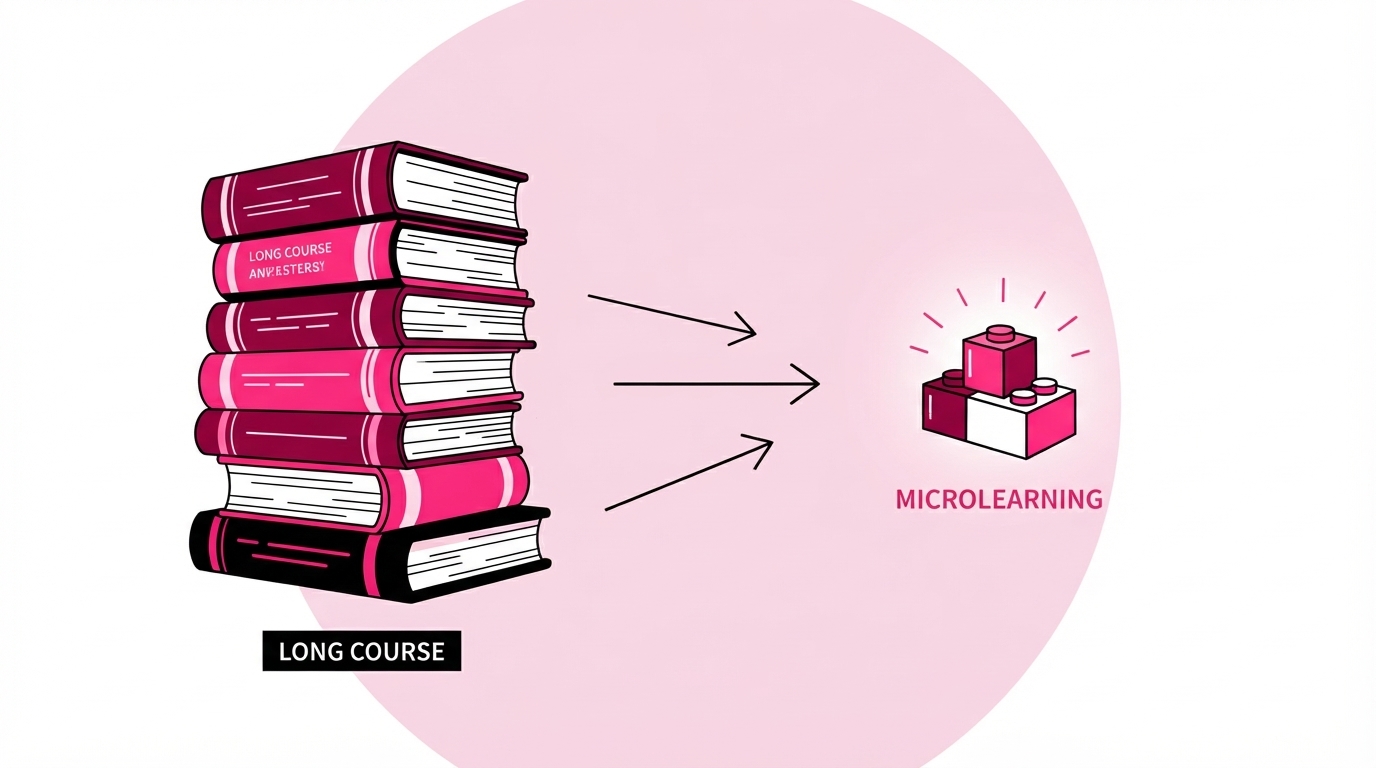
A good microlearning example is built around one task or one decision that a person will face at work, not around a chapter of a manual. Anyone familiar with how microlearning works knows that brevity alone is not enough: what separates a useful lesson from a long course that has simply been cut into pieces is the way it is designed. The best examples share five traits, and checking them before creating any content saves the company a great deal of rework later.
- One goal per lesson: each lesson answers a single question, such as how to approve an expense or how to handle a pricing objection, so the learner knows exactly what they will be able to do at the end.
- Immediate use: the content can be applied the same day, ideally in the very next task, which gives people a clear reason to pay attention instead of skimming.
- A format that fits the goal: a procedure is clearer with step-by-step images, while a definition is easier to remember with a flash card: the format follows the goal, not the other way around.
- A short check at the end: a quiz of two or three questions confirms that the key point has been understood and shows the company where the content needs to be clearer.
- Easy to find again: the lesson stays available when the situation comes up again, so it works as a quick reference tool as well as training.
Microlearning examples by department
Every department can use microlearning, because every team has recurring situations where a short, focused lesson is more useful than a long session. The microlearning examples below all follow the same logic: a typical problem, the lesson that addresses it, the formats it uses and an indicative duration. They are starting points to adapt to the company's own processes, not templates to copy word for word, and many of them can be combined into longer learning paths over time.
HR and people teams
HR teams can use microlearning to introduce new policies in a way that people actually read, instead of sending a long PDF that most employees open once and forget. Take the launch of a new hybrid work policy. Rather than a twenty-page document, the company publishes a short series of lessons, and each one answers one practical question: how many remote days are allowed, how to book a desk, who approves exceptions.
A typical lesson lasts three to four minutes and combines a short text, an image summarizing the rules and a true/false quiz on the most common doubts. The same approach works for benefits, expense reimbursement and performance review cycles. It is equally useful during onboarding, when new hires need the same policies explained clearly from their first day.

Sales teams
Sales teams benefit from microlearning above all during product launches, when every representative needs to learn new features, prices and positioning in a few days. A short sequence of lessons can cover the value proposition, the main differences from the previous version and the three objections customers are most likely to raise in the first conversations.
Flash cards help reps memorize key specifications, while a scenario quiz asks them to choose the best answer to a customer objection and explains why each option works or fails. Each lesson takes two to five minutes, so it fits between calls without blocking the agenda. For teams that sell in several countries, translating the same lessons into each local language keeps the message consistent across every market.
Marketing teams
Marketing teams can use microlearning to keep the whole company aligned on brand guidelines, tone of voice and messaging. A common example is a lesson on applying the brand correctly: logo use, color palette and the phrases the company prefers or avoids. Each rule is shown with a right and a wrong version side by side, which makes it much easier to recognize mistakes in everyday materials.
Image-based lessons are the natural format here, followed by a fill-in-the-blank exercise on product names or approved claims. Marketing can also use short lessons to present a new campaign to the rest of the company before it goes live. That way sales and customer service know the key message, the offer and its conditions before customers start asking about them.
IT and digital workplace
IT teams can use microlearning to help employees get the most out of the Microsoft 365 tools the company already pays for. A frequent example is a short series on where to save files: OneDrive for personal drafts, a SharePoint site for documents the team works on together, and a Teams channel for sharing them without creating duplicates.
Each lesson lasts about three minutes and uses screenshots, a short voiceover and a multiple-choice quiz based on everyday situations. The same structure works for a new expense app, a booking system or a ticketing tool. Publishing lessons inside the tools people already use every day, such as Microsoft Teams, makes them much easier to find than training stored on a separate platform.
Operations and frontline staff
Operations teams can use microlearning to explain procedures exactly where they are carried out, on the shop floor or in the warehouse. A practical example is the goods receiving procedure: checking the delivery note, recording damaged items and storing products in the right area. Each step is shown with a photo or an AI-generated image, so the sequence is clear even to someone who is new to the job.
Lessons of one to three minutes with images and voiceover work well for staff who do not sit at a desk. They can follow them on a smartphone during a break or right before starting the task. In companies where many operational workers do not have an individual Microsoft 365 license, it is worth choosing a solution that can reach them anyway, including on mobile devices.

Customer service
Customer service teams can use microlearning to stay updated on the questions customers are asking right now. A useful example is a weekly lesson built from the most frequent tickets of the previous week. It covers the question, the correct answer and the tone to use, especially when the issue concerns a delay, a refund or a complaint.
Fill-in-the-blank exercises help agents practice standard replies, while a short scenario asks them to choose how to respond to an upset customer. Lessons last two to three minutes and can be updated as soon as a policy or a product changes. This means the team always works with current answers instead of relying on memory or on an old internal document.
Finance and administration
Finance and administration teams can use microlearning to explain processes that the whole company must follow but rarely reads in full. A classic example is the purchase approval workflow: who can approve which amounts, which documents are required and how long each step usually takes. When this information sits in a long procedure, most requests reach the finance office incomplete.
A sequence of three short lessons, each under four minutes, with a diagram of the workflow and a true/false quiz, can reduce the back and forth between departments. The same format suits year-end closing deadlines, new invoicing rules or changes to the travel policy. These are all topics that touch every employee a few times a year and are easy to forget between one occasion and the next.
Managers and team leads
Managers can use microlearning to build people management skills gradually, without leaving their team for a full day of workshops. One example is a series on giving feedback: how to prepare a one-to-one meeting, how to describe a behavior without judging the person and how to agree on next steps that both sides can measure.
Scenario-based lessons work best here. The manager reads a situation, chooses between different responses and then sees why one is more effective than the others. Each lesson takes about five minutes. Spreading the series over several weeks gives managers time to try each technique with their team before moving on to the next one.
How to match the format to the learning goal
The right format depends on what the person needs to do after the lesson: remember information, follow a procedure, make a decision or communicate in the right way. Choosing the format first and fitting the content into it afterwards is one of the main reasons why short lessons can feel shallow. The table below summarizes the combinations used in the microlearning examples above and can serve as a quick checklist before creating each new lesson.
A single lesson can combine two formats, for example a short image-based explanation followed by a quiz, as long as both serve the same goal. At the end of a series, a final test with a certificate of completion gives the company a clear record of who has completed the training. It also shows which topics need another round of lessons.
Common mistakes when adapting microlearning examples
The most common mistake when adapting microlearning examples is treating them as a shorter version of an existing course instead of designing each lesson around a single need. The examples in this article work because each one starts from a specific situation. When that link is lost, the lessons become short without becoming useful, and these are the errors that cause it most often.
- Cutting a long course into pieces: dividing a two-hour presentation into twenty segments produces short content, not microlearning, because each segment still depends on the previous one and makes little sense on its own.
- Putting too many topics in one lesson: when a three-minute lesson tries to cover five rules, people remember none of them clearly, so it is better to create five lessons with one rule each.
- Writing quizzes on irrelevant details: questions about dates or exact percentages test memory rather than understanding, while good questions ask people what they would do in a real work situation.
- Publishing without a microlearning strategy: lessons released all at once and never mentioned again are quickly forgotten, whereas a plan that spreads them over several weeks and sends reminders keeps the topic present.
- Ignoring language differences: international teams often receive training in a single language, and people who follow lessons in a second language spend more effort on the words than on the content itself.
Building your own microlearning library
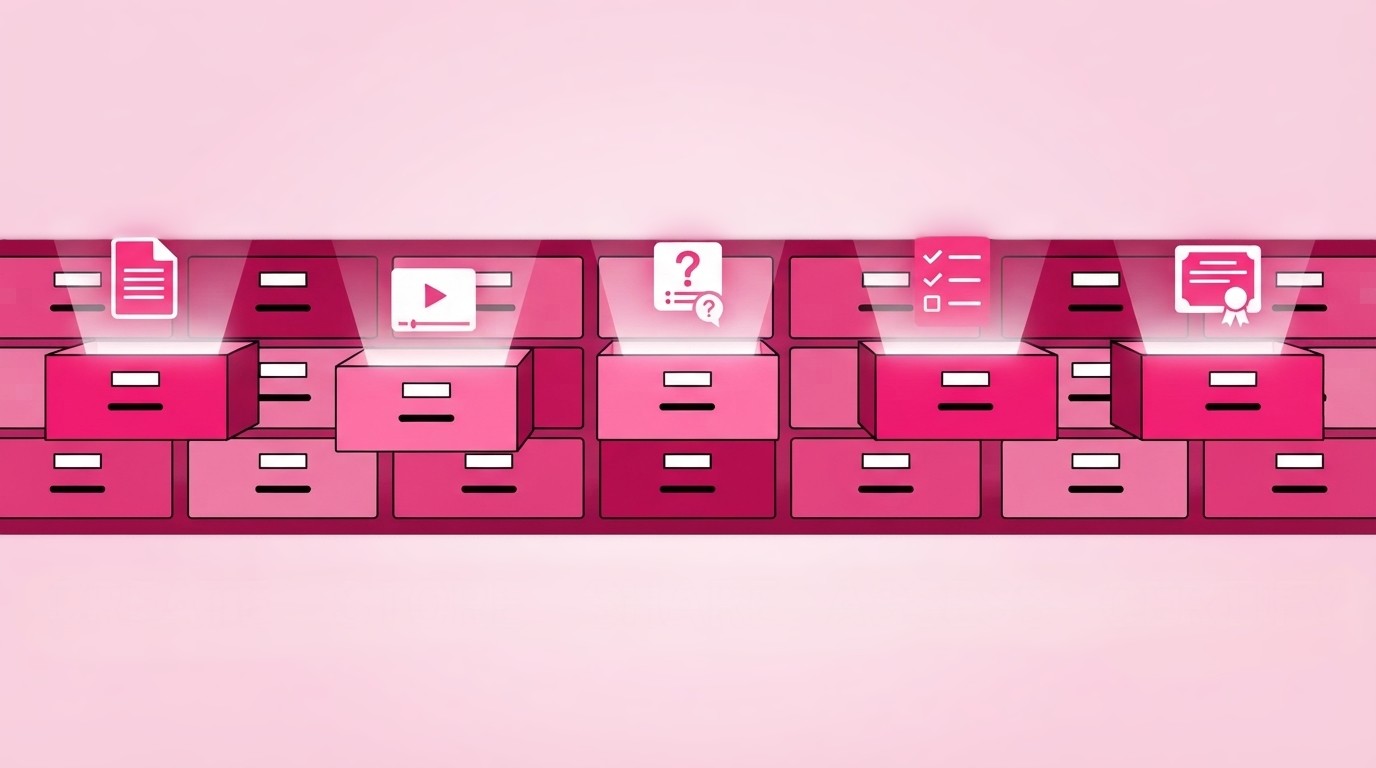
The fastest way to build a microlearning library is to start from the documents the company already has, such as policies, manuals, presentations and procedures. Most of the examples in this article come from material that already sits in a shared folder: what changes is how it is organized and delivered. Short lessons followed at each person's own pace also replace many training meetings that are hard to schedule across shifts, offices and time zones.
With Microlearning365, the company uploads a document and an AI authoring tool generates a structured course from it in a few minutes, with micro-lessons, quizzes, images and voiceover. The course can be translated into more than 40 languages and published directly in Microsoft Teams. Each department can start with one of these microlearning examples, test it with a small group and then extend the library step by step, until short lessons become the natural way the company shares what its people need to know.
FAQ
What are some examples of microlearning?
Common microlearning examples include a three-minute lesson on a new company policy, flash cards on product features for sales teams, an image-based procedure for warehouse staff and a weekly quiz on customer questions for support agents. What they have in common is a single goal, a format suited to that goal and content people can apply the same day.
How long should a microlearning lesson be?
Most microlearning lessons last between two and five minutes. Procedures followed on a smartphone work well at one to three minutes, while scenario-based lessons for managers or sales teams can reach five. The real limit is the goal: a lesson should end as soon as its single point has been covered and checked.
Is nano learning the same as microlearning?
Nano learning is an even shorter variant of microlearning, usually built around lessons of less than a minute that deliver one fact or one tip. Microlearning includes this approach but also covers slightly longer lessons with quizzes and scenarios. Bite sized learning is a common synonym for microlearning rather than a different method.
Which departments benefit most from microlearning?
Every department with recurring, specific knowledge needs can benefit: sales during product launches, operations for procedures, customer service for frequent questions, HR for policies and IT for digital tools. Teams that work away from a desk or across several countries often gain the most, because short lessons available on mobile fit more easily into their day.
How many microlearning lessons should a course include?
There is no fixed number. A course should include as many lessons as there are separate goals. A single policy might need four or five lessons, while a complete product training might need fifteen or twenty, grouped into chapters. Starting with a small series and adding lessons based on quiz results keeps the course focused.


Book a free demo
See how Microlearning365 turns your documents into professional courses in minutes.

.svg)
.svg)