
.svg)
The best microlearning platforms in 2026 share three characteristics: they generate courses with AI directly from existing documents, they integrate natively with the tools colleagues already use, and they scale without a per-user licence cost. These criteria matter more than the size of the course catalogue, because they determine the speed and the real cost at which a team can produce and update training.
This guide covers what to evaluate when choosing a platform, the most relevant features in practice, the right questions to ask vendors, why Microsoft 365 integration changes the adoption equation, and how Microlearning365 compares to generic alternatives.
What to evaluate in a microlearning platform
The decision should be based on four criteria: the speed of creating and updating content, the degree of integration with the existing technology stack, the pricing model relative to headcount, and support for employees without an individual software licence.
Teams that skip this evaluation often end up with a platform that looks feature-rich in a demo but creates friction in daily use.
Here, then, are the features that actually matter in a microlearning platform.
- AI authoring from existing documents: the ability to turn a PDF, Word, or PowerPoint file into a structured course in a few minutes, instead of starting from an empty template.
- Contextual translation: automatic translation into multiple languages that preserves technical terminology and acronyms, not just a literal conversion.
- SCORM export: compatibility with SCORM 1.2 and 2004, for teams that already manage an LMS.
- Conversational search within courses: the ability to ask natural-language questions and receive answers based on the source document.
- A catalogue of ready-made courses: like the 300+ available in the Microlearning365 catalogue, to adapt and translate instead of building everything from scratch.
- A variety of formats: a combination of text, images, video, voiceover, flash cards, and quizzes to sustain attention throughout a module.

The right questions to ask vendors
Before signing a contract, check: how long does it really take to go from a company document to a published course, using a real document from your company? How does content updating work? The answer should be minutes. What is the quality of translation with industry-specific technical terminology? Does the platform reach operational staff via mobile without additional licences?
Integration with Microsoft 365
For companies already operating on Microsoft 365, integration is not optional: it is the difference between training that gets used and training that gets ignored.
Single sign-on via Azure Active Directory, automatic synchronization with the organizational structure, and delivery via SharePoint for users without an individual M365 licence are the details that determine adoption rates.
Gamification and engagement
Gamification, meaning the introduction of badges, points, and leaderboards within training paths, is often cited among the criteria for choosing a platform. It's worth understanding when it adds real value and when it risks becoming a distraction from content quality.
In contexts where training is voluntary or where completing modules is not mandatory, gamification produces a measurable effect on engagement: people tend to come back more often and complete paths more consistently.
Where training is mandatory instead, such as for compliance or HSE paths, gamification matters less: people complete modules out of obligation, not for the badge. In those cases, it's more useful to invest in content quality and in the simplicity of tracking, which needs to be solid enough to withstand an audit.
A platform that offers optional gamification, activatable for paths where it makes sense and deactivatable for those where it doesn't, is more flexible than one that imposes it on all courses.

Analytics and reporting
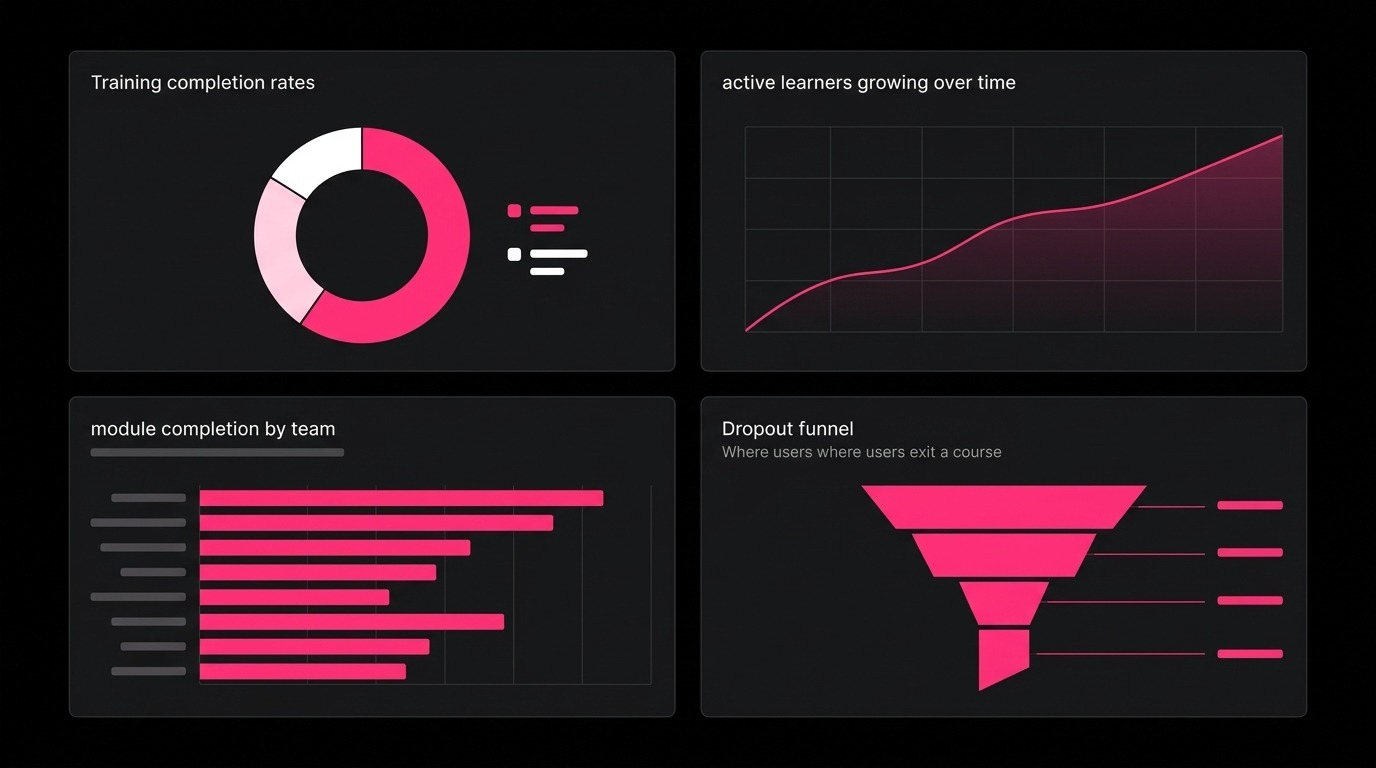
A microlearning platform that doesn't produce useful data is a black box. Completion rates are a starting point, but they aren't enough to understand whether training is actually working.
The metrics a good platform should make accessible include at least: the completion rate by course, by user group, and over time; average quiz results for each lesson (not just the final score); the average time taken to complete each module; and the drop-off rate, meaning the exact point where people stop following a course before completing it.
This last data point is particularly useful: if 40% of users always drop off at the same point in the course, it's a signal that module is too long, too complex, or that the content isn't clear. An L&D team with access to this data can intervene in a targeted way, instead of having to redesign the entire path by guesswork.
For companies subject to training compliance requirements, such as ISO audits, GDPR obligations, or regulated HSE paths, completion data must also be exportable in a verifiable format, with the user's name, completion date, and quiz score. A platform that doesn't allow this kind of export makes it difficult to demonstrate compliance during an inspection.
Security, GDPR and IT requirements
For an IT Director, the decision to adopt a new training platform doesn't end with evaluating features. There are security and compliance requirements that must be verified before even starting a testing phase.
The first concerns data residency: where is user data hosted? For European companies subject to GDPR, data must reside in data centers within the European Union or be covered by equivalent guarantees. A platform that hosts data on servers in the United States without a GDPR-compliant Data Processing Agreement exposes the company to significant regulatory risk.
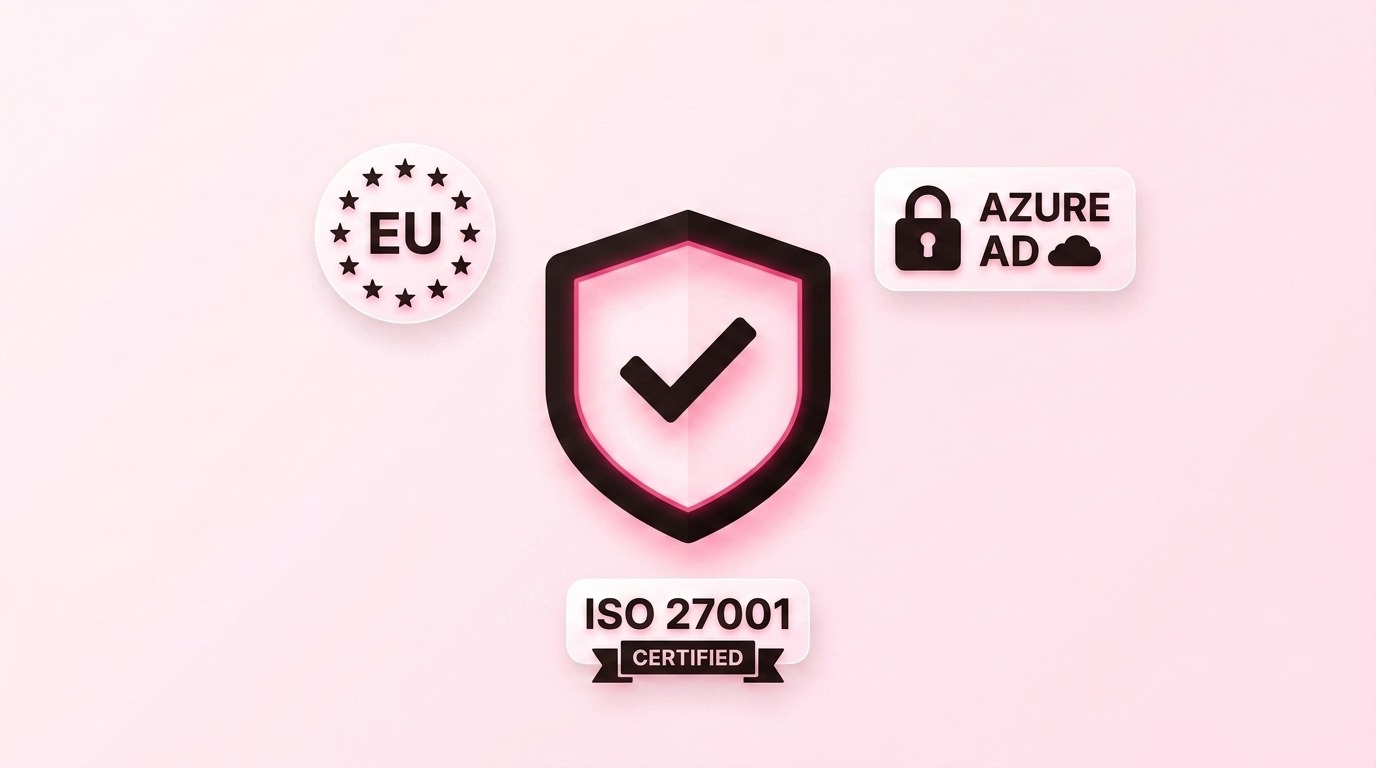
The second requirement concerns the authentication model. A platform that requires creating a separate account for each user introduces an additional set of credentials to manage, monitor, and protect. Single sign-on via Azure Active Directory eliminates this problem at the root, because it reuses the digital identity the company already manages.
The third point concerns certifications. ISO 27001 is the international standard for information security management: a certified platform has demonstrated that it follows documented processes for data protection, access control, and incident management. During an internal audit or a customer evaluation, this certification significantly simplifies due diligence.
Microlearning365 meets all three of these requirements: it operates entirely within the customer's Azure infrastructure, with data hosted in European data centers, authentication via Azure AD, and ISO 27001 compliance.
Platform onboarding and ongoing support
An honest evaluation of a platform should also include what happens after the contract is signed. Technical onboarding, support for the L&D team in creating the first courses, and ongoing assistance are factors that affect the success of the project just as much as the features themselves.
A system that requires days of technical configuration, or that leaves the HR team without support in the first weeks after go-live, tends to start off on the wrong foot, regardless of the platform's quality.
It's worth explicitly asking the vendor: how long does installation take? Who supports the team in the first weeks? Is there a dedicated support channel, or does everything go through a ticketing system?
Microlearning365 is installed in less than a day, without requiring specific IT skills. For those without an internal L&D team, or who prefer to delegate the entire management of training, the Done-For-You plan has the team handle course creation, content updates, and training strategy, with human review by a learning designer on every module produced.
Why choose Microlearning365
Microlearning365 is an AI-native authoring tool and an LMS that lives within Microsoft 365.
Creating a course from a document takes a few minutes, translation covers more than 40 languages, and the catalogue includes more than 300 ready-made courses. The pricing model is based on a subscription for a fixed number of employees, not per individual licence.
FAQ
What is the difference between a microlearning platform and a traditional LMS?
A traditional LMS is primarily a hosting and tracking system. A platform with AI authoring also generates the course content itself, reducing production time from weeks to minutes.
Does Microlearning365 work with an LMS already in use?
Yes. Courses can be exported in SCORM 1.2 or 2004 format on the Premium plan, compatible with Moodle, Cornerstone, SAP SuccessFactors, TalentLMS, and Docebo.
How many languages can a course be translated into?
Microlearning365 supports contextual translation into more than 40 languages, preserving technical terminology.
Why does format variety matter?
Alternating between different formats helps sustain learners' attention, which matters given how much continuous on-screen concentration has declined.
Is a per-user licensing model always more expensive?
Not always, but for companies with a large operational workforce, a per-user model can drive costs up quickly.


Book a free demo
See how Microlearning365 turns your documents into professional courses in minutes.


.svg)