
.svg)
Launching a corporate e-learning programme is straightforward. Ensuring people finish it is a different challenge entirely. Most programmes stall because of a missing engagement mechanism, something that sustains attention over time and converts assigned training into completed training.
Courses get opened, intentions are good, and then something more urgent comes up. The course sits unfinished, the reminder arrives and gets ignored, the completion rate falls a little further.
That is exactly the problem Microlearning365's personalised notifications solved here.
The Problem: fragmented content, generic reminders, and completion rates that keep dropping
Our client is an Italian organisation in the services industry that, when evaluating an e-learning solution, had one clear requirement: the tool had to integrate natively with Microsoft 365 and SharePoint, the environment where employees already work every day, and had to allow them to reuse the video pills already produced internally, without having to recreate them from scratch.
The starting point was a situation many structured companies will recognise. Training material existed, but it was fragmented. Video pills were scattered across SharePoint, documents were spread across teams, and there was no unified experience to bring any of it together.
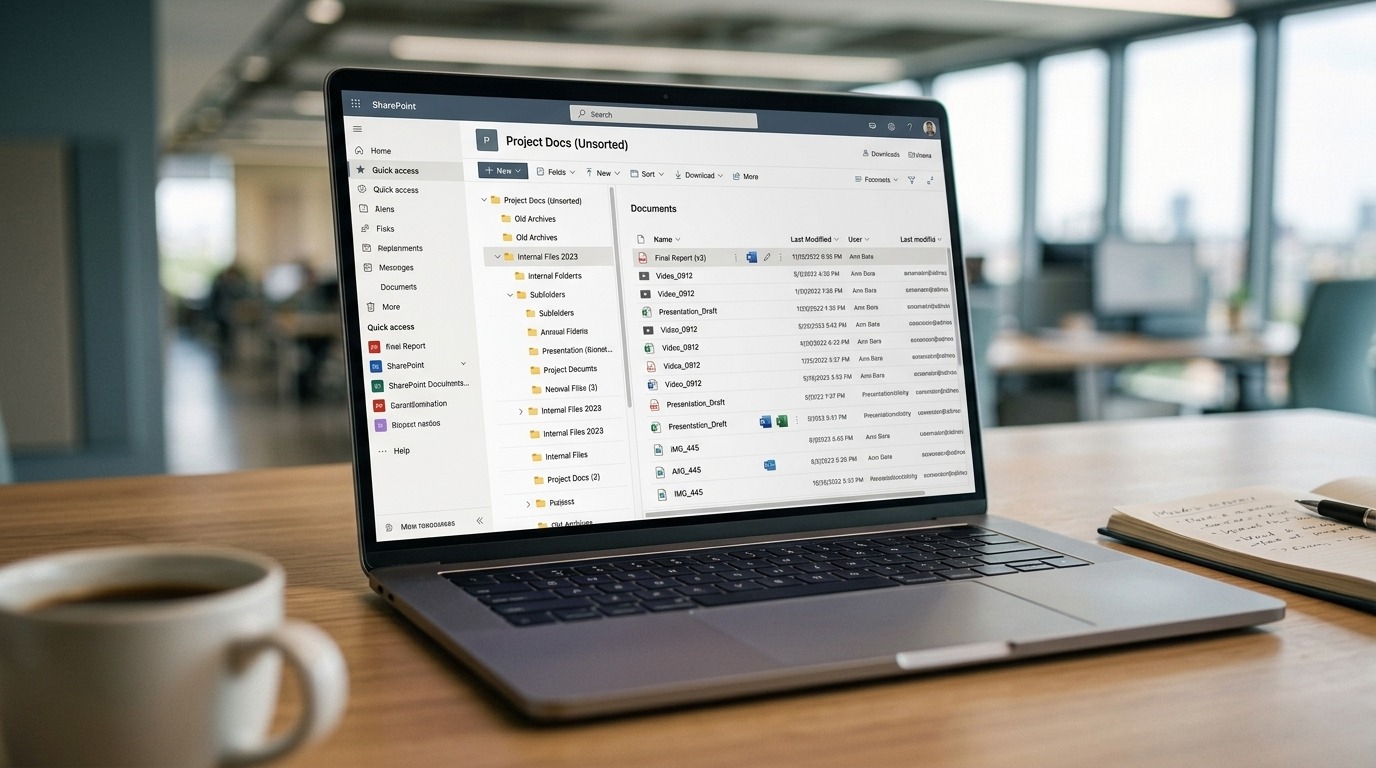
Before thinking about engagement, a catalogue had to be built.
Once built, however, a second challenge emerged, one that is arguably harder to solve. Getting people to actually finish what they had started. The pattern is familiar to anyone who has managed corporate training programmes:
- Courses get opened, then abandoned: people start with good intentions, an urgent task comes up, and the course gets forgotten. Without a precise nudge at the right moment, the gap between intention and action widens.
- Generic reminders produce little action: a notification saying "you have pending courses" points to no concrete next step and is easy to dismiss. It tells the user something is waiting, but not what to do next or how long it will take.
- Completion rates drop steadily over time: the longer a course, the more learners fall off along the way. Each lesson that goes uncompleted makes the next one feel further away.
The organisation needed more than a platform to host courses. It needed a completion engine, something that kept people moving through the material consistently, without requiring them to remember where they had left off.
Our Solution: a complete catalogue on day one, and notifications that point to the exact next lesson
We worked on two distinct but complementary levels.
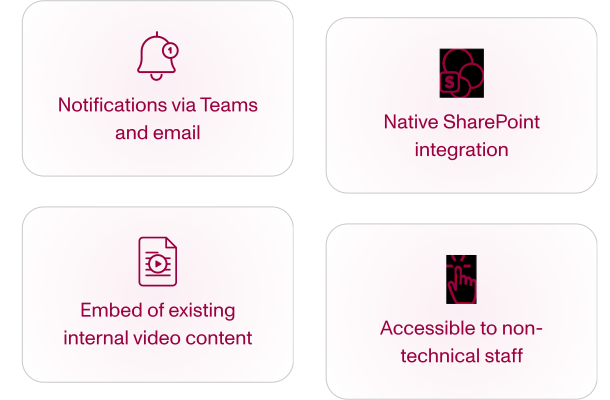
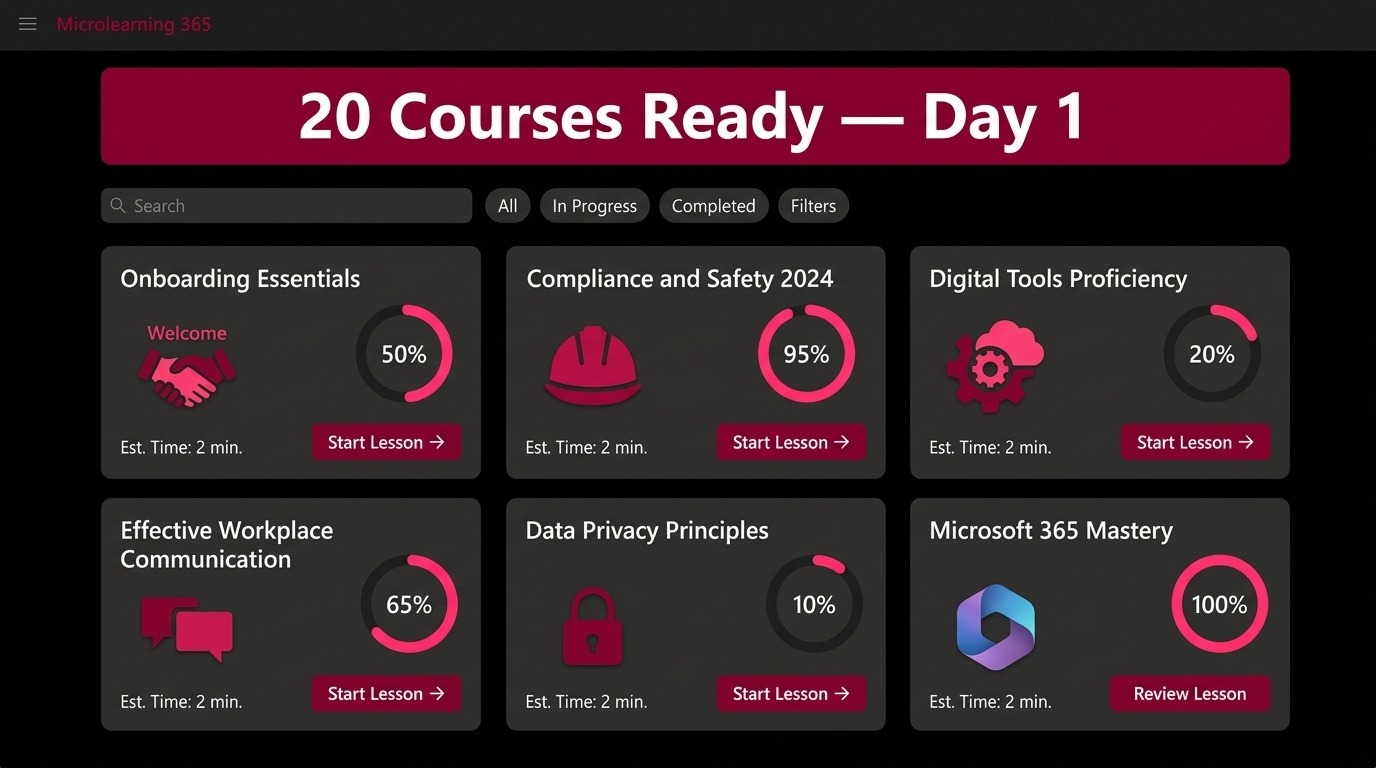
The first was building the catalogue before going live. The decision was to invest time before publication to create all 20 courses before the platform opened to employees, integrating existing video pills directly as lesson modules and building missing content from scratch via the Microlearning365 UI, which is accessible to non-technical staff with no prior e-learning experience.
When the platform went live, employees found a complete, relevant catalogue ready to use from day one. That first impression matters more than it might seem: a platform that feels empty or under construction is one that employees are unlikely to revisit.
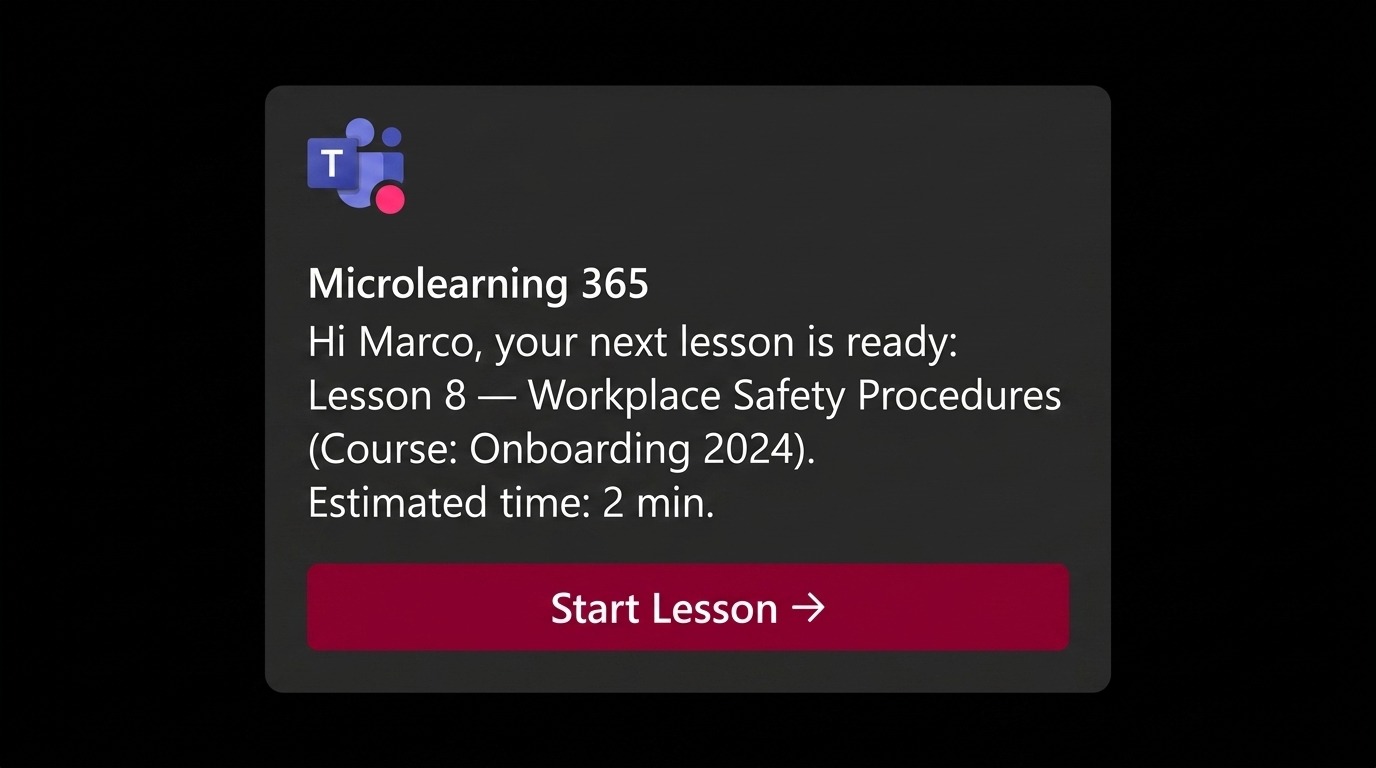
The second level is the engagement engine. Microlearning365 sends each user periodic reminders via Teams and email with a precise message: the exact lesson to follow, with a direct link. Instead of "resume course X," the notification says "you need to complete lesson 8 of course X." The user does not have to remember where they stopped, navigate back to the right place, or make any decision about what to do. The next step is already there, one tap away.
The friction between receiving the reminder and completing the next step drops sharply, because that step takes 2 minutes and the link leads exactly there. That combination, a short action and a direct path to it, is what converts a reminder from something easy to ignore into something easy to act on.
Familiarity with the ecosystem made adoption easier too.
The organisation was already using our intranet.ai platform as its digital workplace, so SharePoint was the environment where employees already worked every day. Training arrived where they already were, without asking them to open something new.
Results: 561 active learners and 10-minute modules that actually get completed
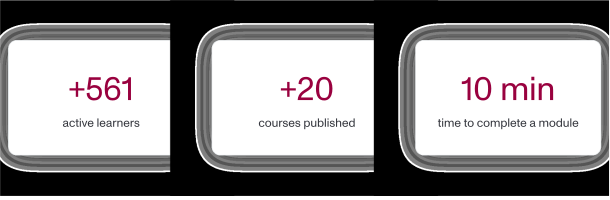
The platform today has 561 active learners, one of the highest figures in the entire Microlearning365 portfolio.
For a programme built entirely from scratch, without a pre-existing LMS or mandatory enrolment policy, that number reflects genuine adoption rather than administrative assignment. People are using the platform because the experience works for them, not because they were told they had to.
Average durations confirm alignment with the microlearning model:
- 2 minutes per lesson: each pill is designed to be completed in a natural break during the working day. Not a dedicated session, not a blocked calendar slot. Just a moment between tasks, the kind that would otherwise be spent scrolling or waiting.
- 10 minutes per full module: employees complete an entire module in a single session, without accumulating overdue training or losing the thread of what they were learning. A module that takes ten minutes is one that people actually finish, rather than one they plan to return to and never do.
The decisive factor is not brevity alone. It is the combination of short lessons and notifications that point to the specific next micro-step. When a reminder tells you exactly what to do next, and that action takes two minutes, the calculation changes. Ignoring it requires more effort than completing it. That shift in friction is what separates training that gets done from training that gets quietly pushed to next week, then the week after, then forgotten entirely.
What makes this result particularly significant is the context in which it was achieved. This was not a mandatory compliance programme with enrolment enforced by HR. It was a voluntary internal training catalogue, built from scratch, in an organisation where employees had plenty of other things to do. The 561 active learners represent people who chose to engage, came back after their first session, and kept going. The notification system played a direct role in making that happen.

What's next?
The catalogue continues to grow. The organisation plans to add new thematic learning paths using the same consolidated infrastructure, with no additional setup costs.
The investment in building the platform, onboarding the team, and calibrating the notification logic is already done. Adding new content is a matter of uploading a document and publishing, not reopening a project from scratch.
The personalised notification system is also used to alert employees when new courses aligned with their training profile become available, turning the platform from a static catalogue into a dynamic learning environment that evolves alongside the organisation's needs.
📌 The personalised notification system is what truly makes the difference. That level of precision is what converts assigned training into completed training.
Still have corporate training on your to-do list? Book a demo and discover how Microlearning365 turns your internal documents into professional courses in minutes.


.svg)
.svg)
.svg)