
.svg)
Paying for Microsoft 365 licences and actually getting employees to use the tools are two separate problems.
The tools were available, the licences were active, and the investment had already been made. But employees kept familiar habits, because no one had shown them how the new tools could concretely improve their daily work in ways they could feel immediately.
A one-hour webinar on how to use Teams does little for an audience that has already shown it will tune out internal digital initiatives. A different format was needed.
The Problem: licences paid, tools available, and an operational audience that had always tuned out
The company, an Italian business in the automotive industry with 180 branches and 90 service points across the country, was facing a scenario common across organisations that have adopted Microsoft 365 at corporate level. The licences were there, the tools were active, but real usage was low. Outlook was used in a basic way, Teams was largely ignored, and OneDrive had not become part of anyone's habits.
The problem was compounded by the profile of the audience.
Staff were distributed across hundreds of locations, worked predominantly in the field, and had historically shown little engagement with internal communication and training initiatives. The formats that had been tried before, including webinars, long tutorials, and instructional email attachments, were incompatible with the rhythm of a working day spent at a service point or on the road between branches.
The same issues recurred with every attempt:
- Traditional methods already tried and failed: standard training sessions and webinars produced formal attendance but real-world impact close to zero. People showed up, or joined the call, and then returned to exactly the same habits they had before.
- Operational audience, not desk-based: training had to fit people who do not have a free block in their calendar every day and who move between locations regularly. A format requiring a sit-down session was structurally incompatible with how these employees actually work.
- Investment already made with no return: the Microsoft 365 licences were a fixed cost already being paid. Every month that passed without meaningful adoption was a month of value left on the table, with no clear way to recover it using the approaches already available.
What made this case harder than a standard digital adoption challenge was the history. This was not an audience that had never been exposed to digital tools. It was an audience that had already encountered internal training initiatives and chosen, consistently, not to engage with them. Reversing that pattern required a format that felt meaningfully different from everything that had come before.

Our Solution: start with Outlook, build the habit, then move to Teams and OneDrive
We worked on two principles: format and sequence.
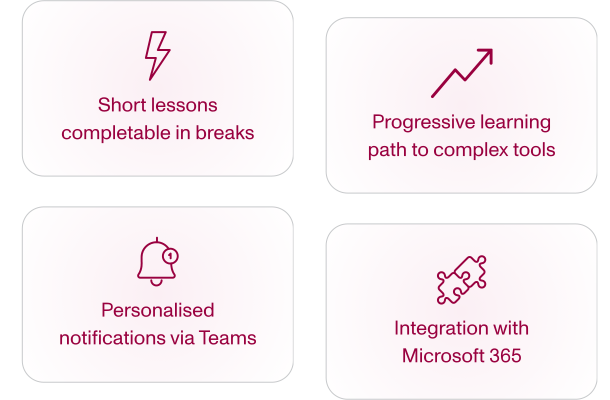
On format, the programme was built as short lessons of a few minutes each, every one focused on a concrete and immediately applicable action.
Rather than an overview of Outlook's features, each lesson covers a single step: managing folders, setting up automatic rules, sharing calendar availability. A person following a lesson knows exactly what they will be able to do by the end of it, and the answer is something useful in their work that day.
Each micro-step delivers immediate practical value and is designed to be completed in a natural break during the working day, with no calendar block to book in advance.
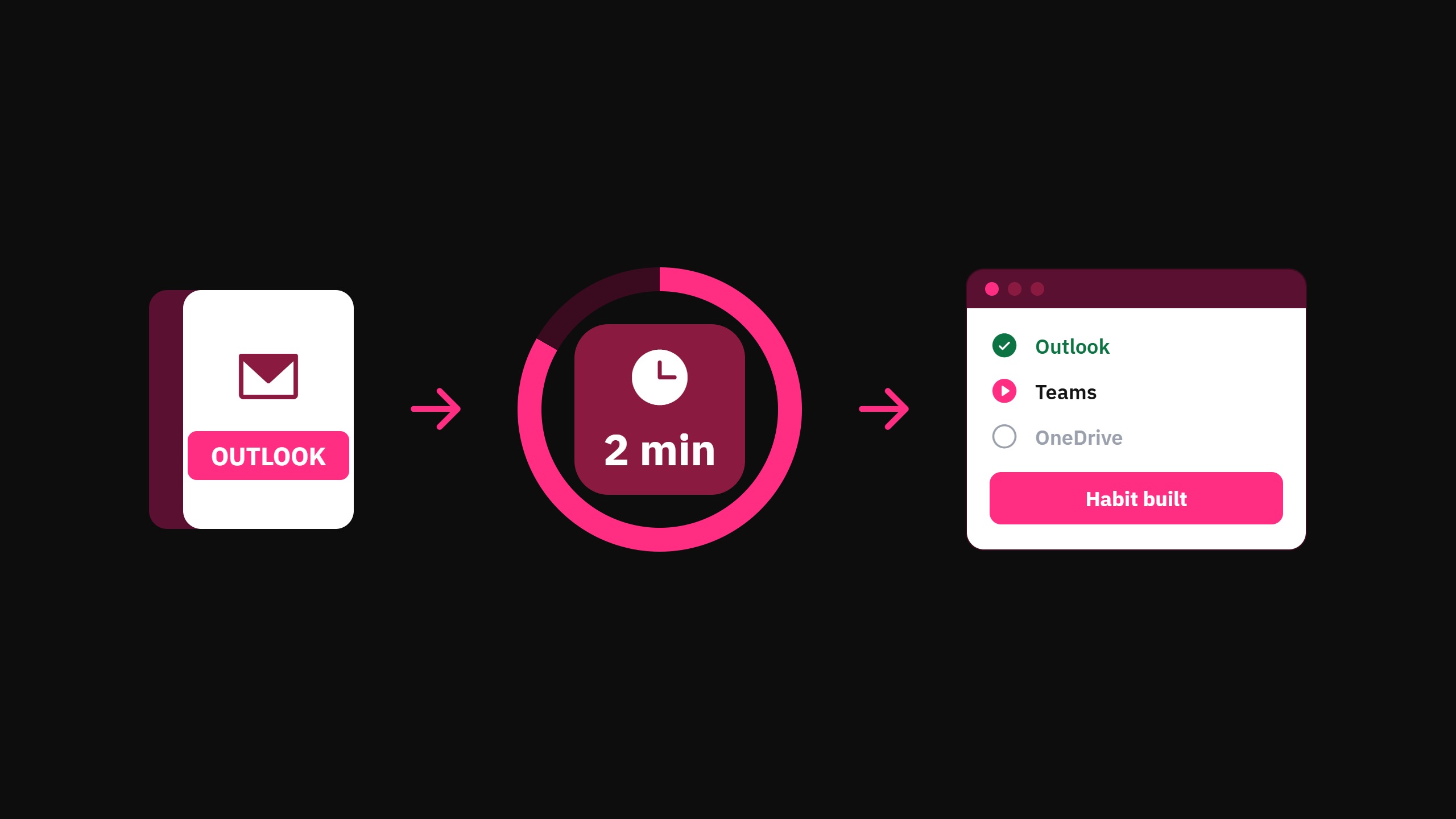
On sequence, starting with Outlook follows a clear logic. It is the most familiar tool, the one that generates the least resistance, and the one on which a first success is easiest to build. A lesson that teaches them one thing they did not know they could do with a tool they already open every morning creates a small, immediate success. That success builds familiarity with the platform and makes it easier to follow the next lesson.
Once the habit of using the platform is established, the programme moves to Teams and eventually OneDrive with its distributed collaboration model. Each phase consolidates engagement before introducing the next layer of complexity.
Delivery happens via Teams, with personalised notifications pointing to each user's specific next lesson rather than a generic message about pending courses. No new app, no separate portal: training arrives where employees already receive internal communications.
Integration with our intranet.ai portal, already in use as the digital workplace, further lowered the adoption barrier by keeping training inside a familiar ecosystem.
Results: immediate engagement from an audience that had always ignored digital initiatives
The programme is still in its early phase, with the first wave on Outlook ongoing. The result available today is qualitative, and it is precisely the hardest result to achieve with this audience.
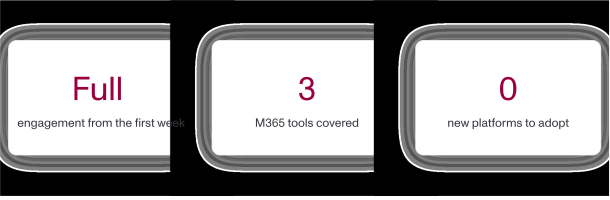
Engagement arrived in the first week, from a population that had always ignored every previous internal digital initiative. People opened the lessons, followed them, and came back. That had not happened before. The short-lesson format, delivered inside Teams, worked where previous methods had failed.
The mechanism did not change people's motivation. It lowered the barrier to action enough to make the next step easy to take.
When the next step is two minutes long, arrives as a direct link in Teams, and teaches something immediately applicable to the tool already open on the screen, the calculation is different. Taking the lesson is easier than dismissing it. For an audience that had previously found every reason not to engage, removing the friction was enough.
That shift, from audience that ignores to audience that participates, is the result most difficult to produce and the one with the greatest long-term value. The quantitative metrics on completion rates, time spent, and quiz performance will follow once the first module closes. The foundation they will be built on is already in place.

What's Next?
Once the first Outlook module is complete, the programme will continue with Teams and then OneDrive.
The content and notification frequency for each subsequent phase will be calibrated using the completion metrics and feedback collected during the Outlook rollout, so each phase benefits from what was learned in the one before it.
The goal is a workforce that genuinely uses the Microsoft 365 tools already available, extracting the value of an investment already made.
📌 Short-lesson format, delivered inside Teams, works where previous methods had failed.
Still have corporate training on your to-do list? Book a demo and discover how Microlearning365 turns your internal documents into professional courses in minutes.


.svg)
.svg)
.svg)